Generated from your timeline
Travel days, places, selected photos and day notes form the first book automatically.

WanderSpend Photobook
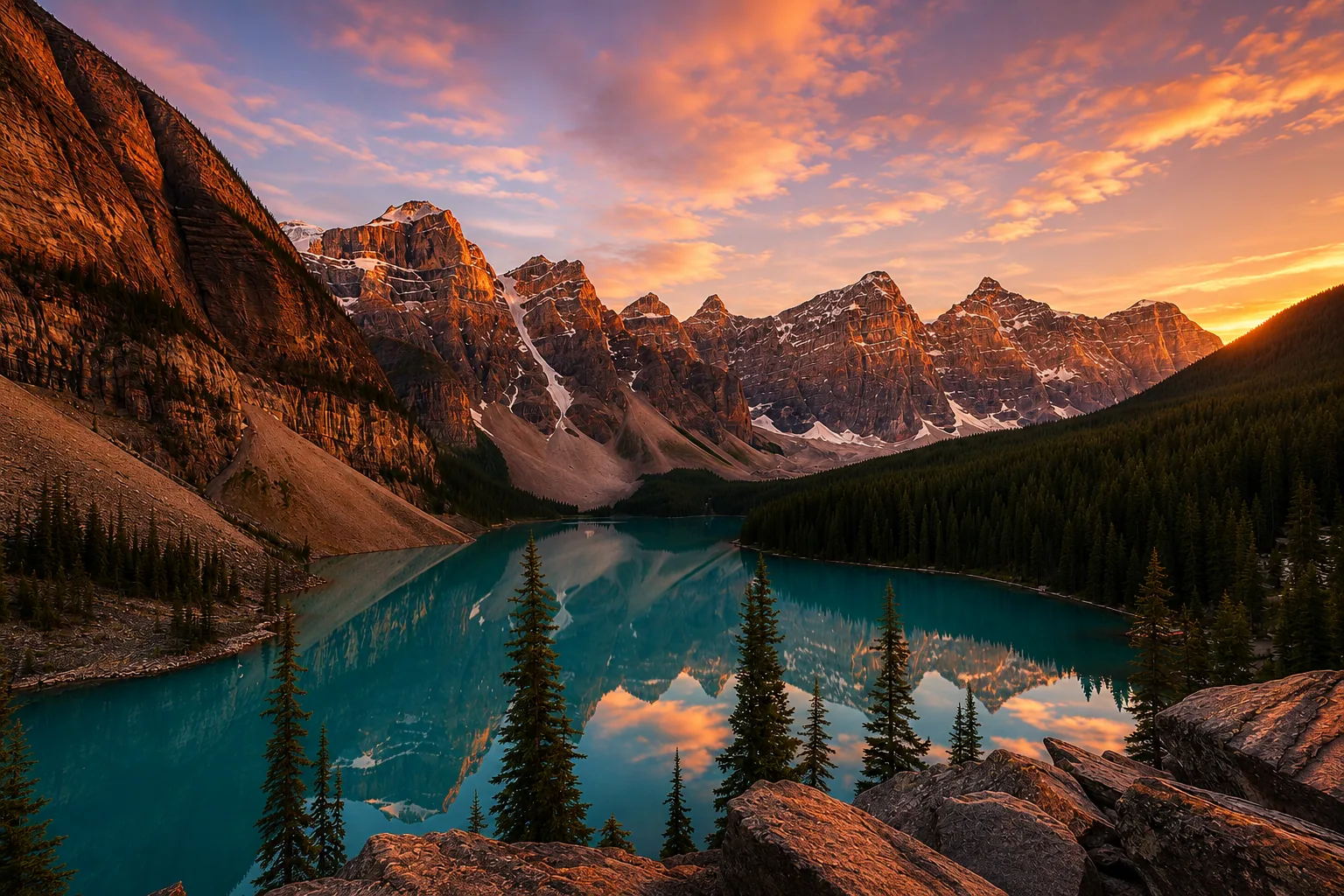
A book that brings your favourite travel moments back.
Photos, places and your words come together day by day. Make each page your own in the Layout Editor and see every change in the live preview.
The WanderSpend difference
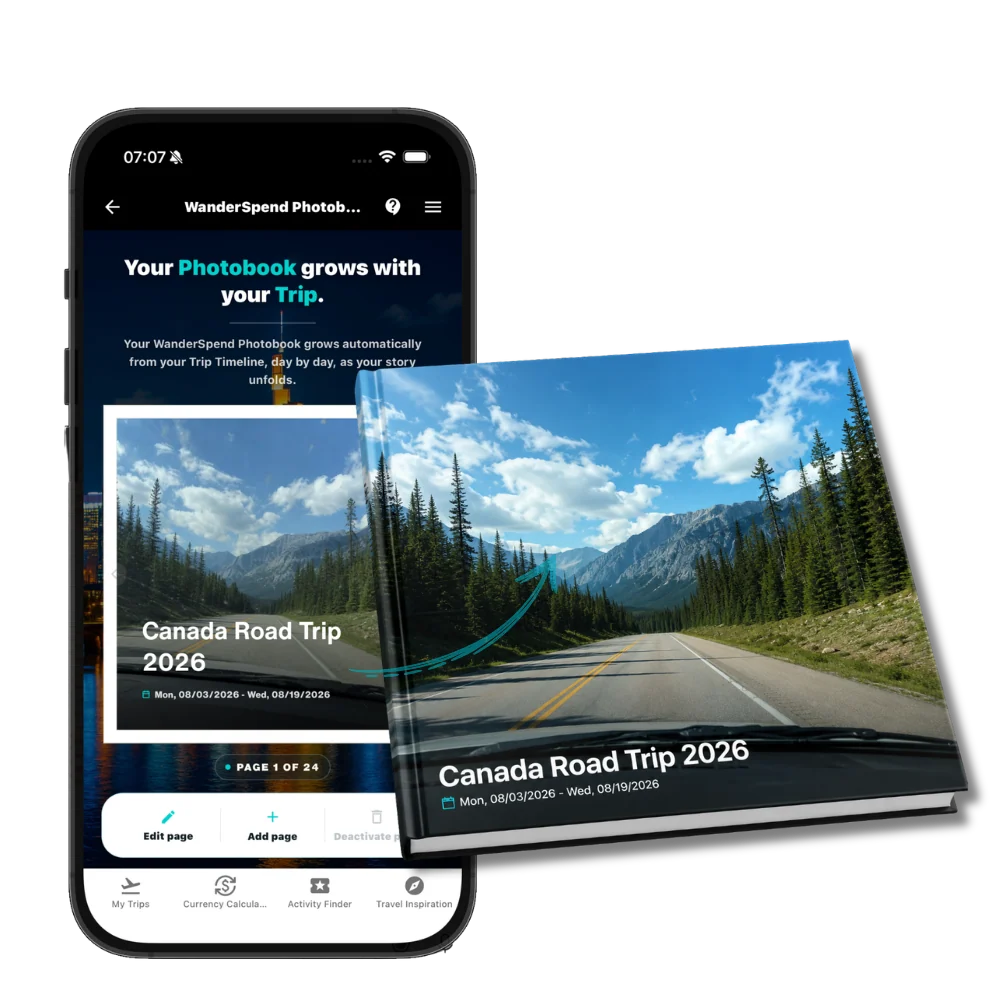
A new place, a photo, a note at the end of the day: your DayCards let your photobook grow as you travel. The live preview shows your story taking shape, page by page.
Step 1 / 4
It starts in your Trip Timeline
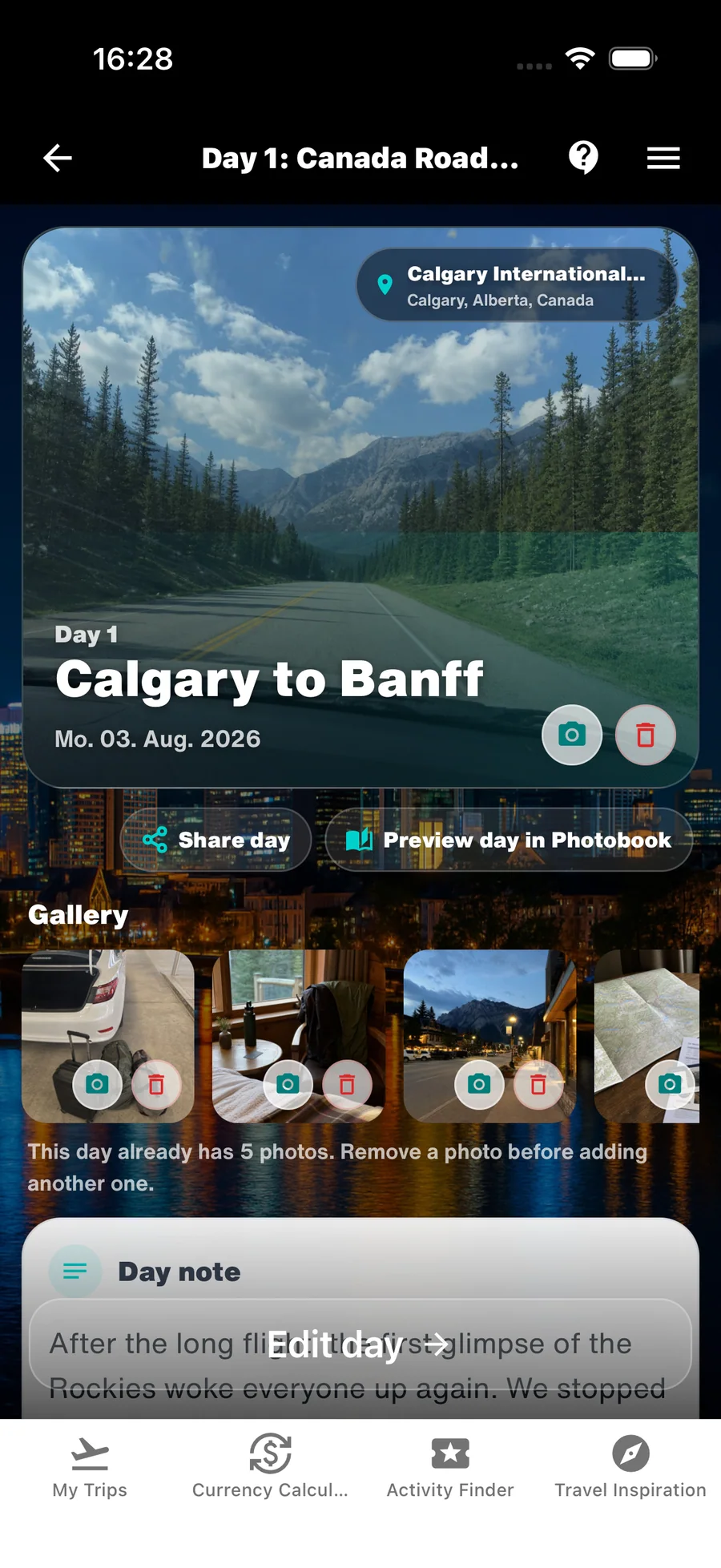
The places, headline, note and selected photos in each DayCard become the content of your Photobook.
Use the arrows or swipe across the phone.
Start with an automatically generated template and give your favourite moments your own style.
Travel days, places, selected photos and day notes form the first book automatically.
See your changes right in the app and refine your book while you travel.
Add photos and text and make each page your own in the Layout Editor.
After the trip ends, create the final protected print preview, review every page and order your hardcover.
New: the Photobook Layout Editor
Your Photobook grows with your trip. Use the automatically generated templates or bring your own ideas to life in the Layout Editor — and see every change in the live preview.
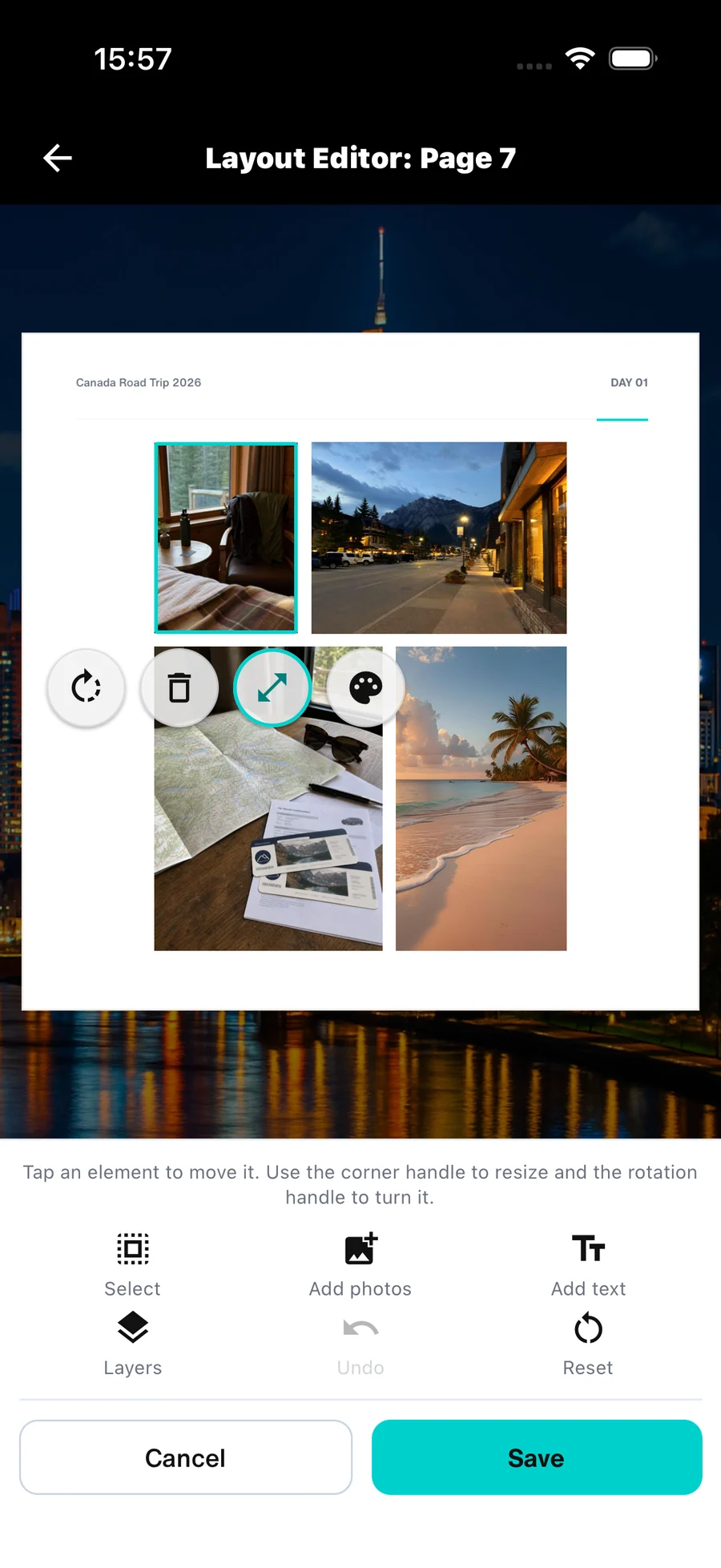
Start with a template. Make it yours.
A real Photobook from the app
These 42 pages come directly from our Canada demo trip in WanderSpend — built from 17 travel days, places, stories and the experiences of one family of four. This is the view that grows day by day in the app.
Use the arrows or swipe across the book.
Example trip · not a private print preview
Every trip tells a story
Places, photos and day notes become a Photobook you can open together again and again.

Your journey in every page
The living preview brings together everything you add during the journey — automatically organized around your day-by-day timeline.
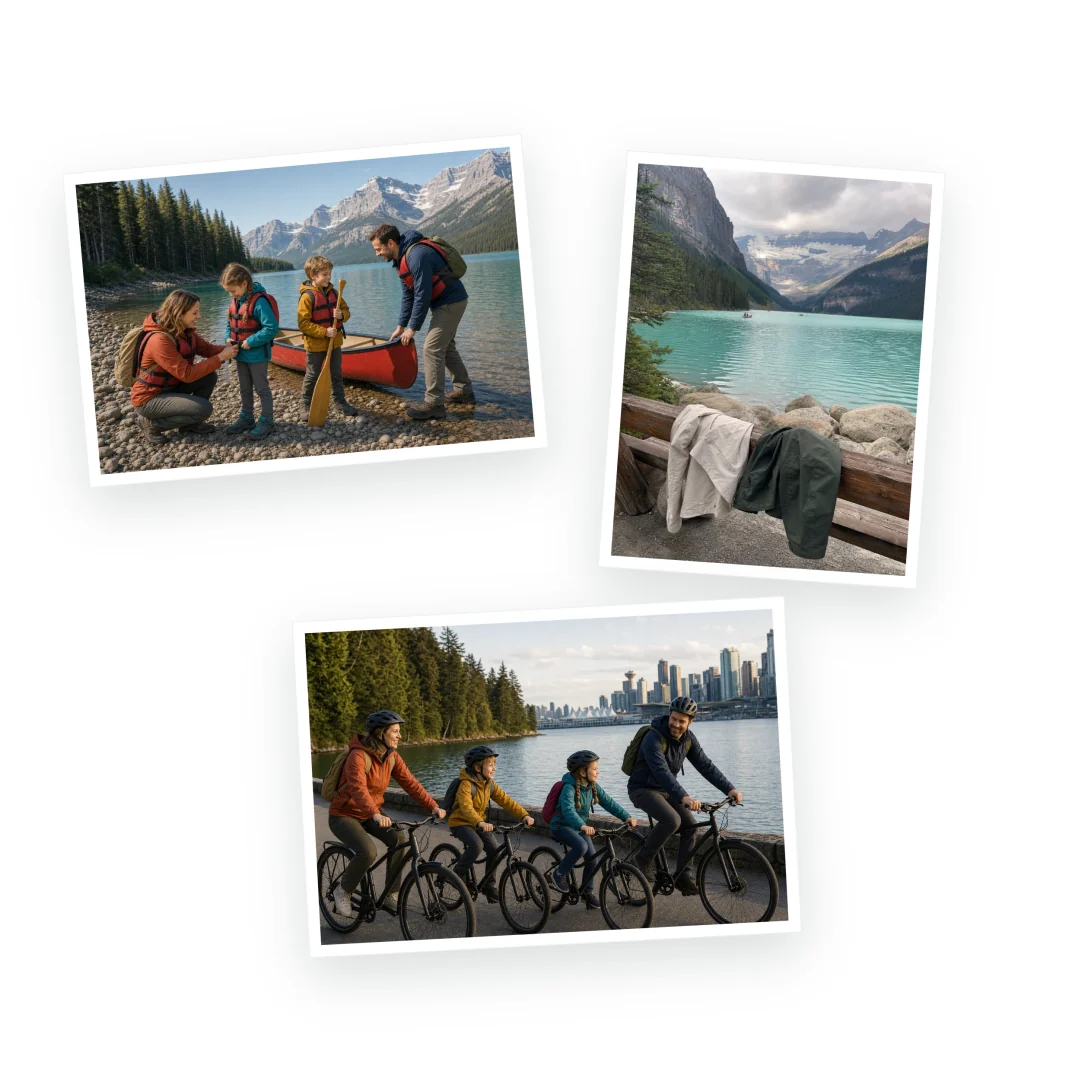
A favorite photo, your trip title and travel dates open the story.
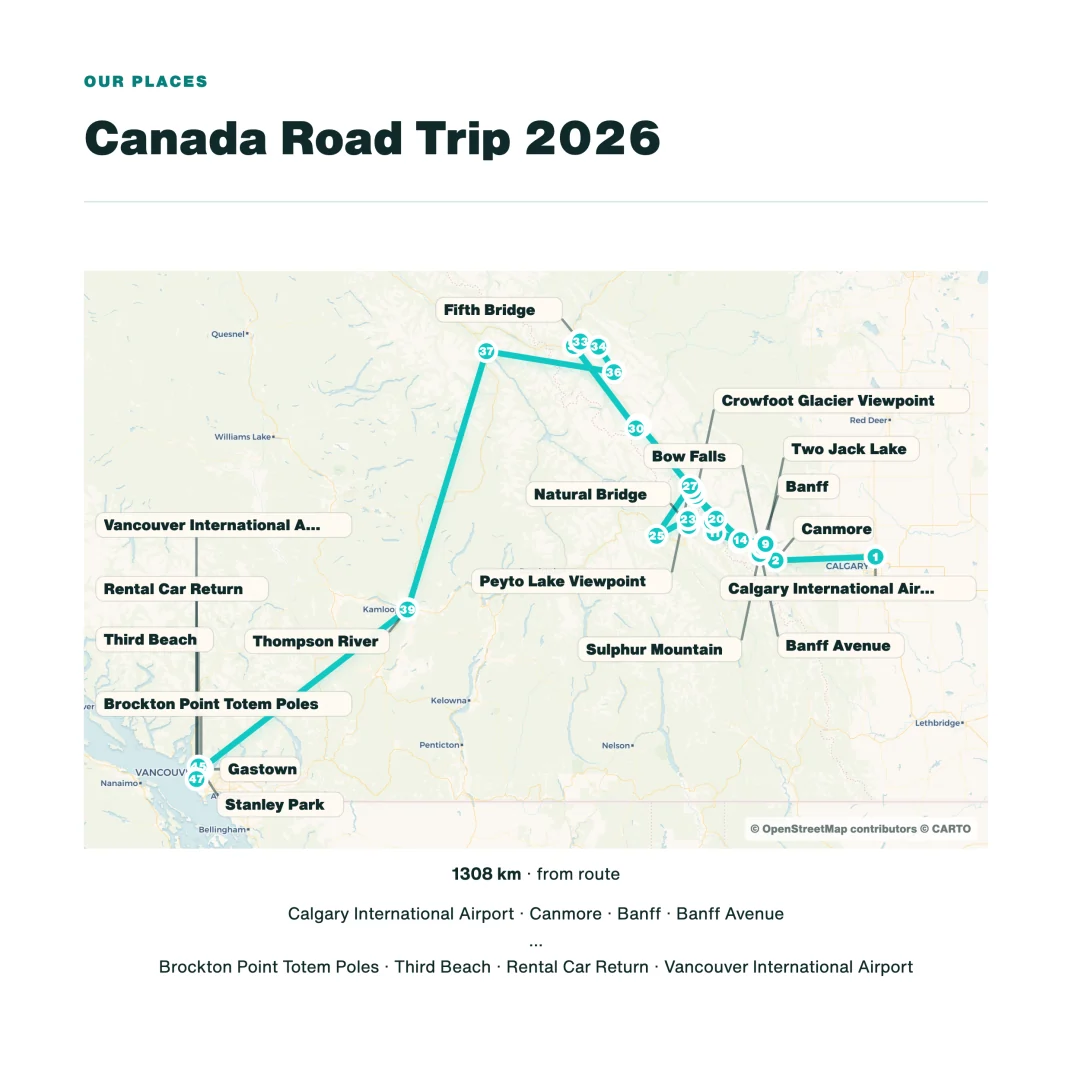
Maps and visited places show where your journey took you.
Your timeline gives the book a natural structure from departure to return.
Selected memories and your own words bring each travel day back to life.
The printed photobook
The 21 × 21 cm format gives portrait and landscape photos room to breathe while maps, notes and daily memories remain easy to read.
The price depends on the number of pages. Shipping costs and any applicable taxes are shown transparently in checkout before you order.
How it works
The Photobook is part of the journey from the first day. Printing only becomes the final step after the trip.
Your Photobook starts with the first days, places and memories in WanderSpend.
Every new timeline day gives the living Photobook preview more of your story.
Add photos, change text, save places and adjust the pages while you travel.
Once the journey has ended, create the protected print preview, review it and order.
After your trip · Private print preview
When the journey is over, generate the protected print preview. It shows the actual page order and final layout that will be sent to our international print partner.
Privacy-first
A printed book needs production data, but it does not need the rest of your private travel space.
The preview is protected and is not published as a public travel profile.
The print partner receives only the data strictly required to produce and ship your Photobook.
All other trip and account data stays with WanderSpend and is not shared with the print partner.
Frequently asked questions
Answers about creating, reviewing and ordering your WanderSpend Photobook.
No. Your Photobook grows automatically from the day-by-day timeline of your trip. You can refine the result, but you never have to begin with empty pages.
From the beginning of the journey. The living preview is available throughout the trip and updates as you add days, places, photos and notes.
Your cover, route map, visited places, daily timeline, selected photos, notes and trip details can become part of the book.
You can add or replace photos, edit text, add places and refine the page selection and layout in the app.
It is a square 21 × 21 cm hardcover with a matte laminated cover, 200 gsm gloss coated paper and PUR binding.
WanderSpend currently creates Photobooks with 24 to 150 pages. The final number depends on your selected trip content.
After the trip has ended. You then generate a protected print preview, browse and enlarge every final page and only continue to checkout when everything is right.
The price depends on the number of pages. Shipping costs and any applicable taxes are shown transparently in checkout before you order.
Our international print partner usually needs approximately 4–6 working days for production. Shipping time then depends on the destination and is shown during checkout.
Personalized books can move into production quickly. Contact us immediately with your order reference; a change or cancellation cannot be guaranteed once production has started.
Only the photobook file, production settings and the details required to process and ship your order. Unrelated WanderSpend trip data is not transferred.
Check that you opened the complete link and entered the six-character code exactly. If it still fails, use the support form below without including the private link or code.
Send us the order reference and a short description through the support form. For visible damage, photos of the packaging and book help us clarify the issue with the print partner.
Photobook support
Questions about creating, previewing or ordering your Photobook? Send us a message and we will take a look.